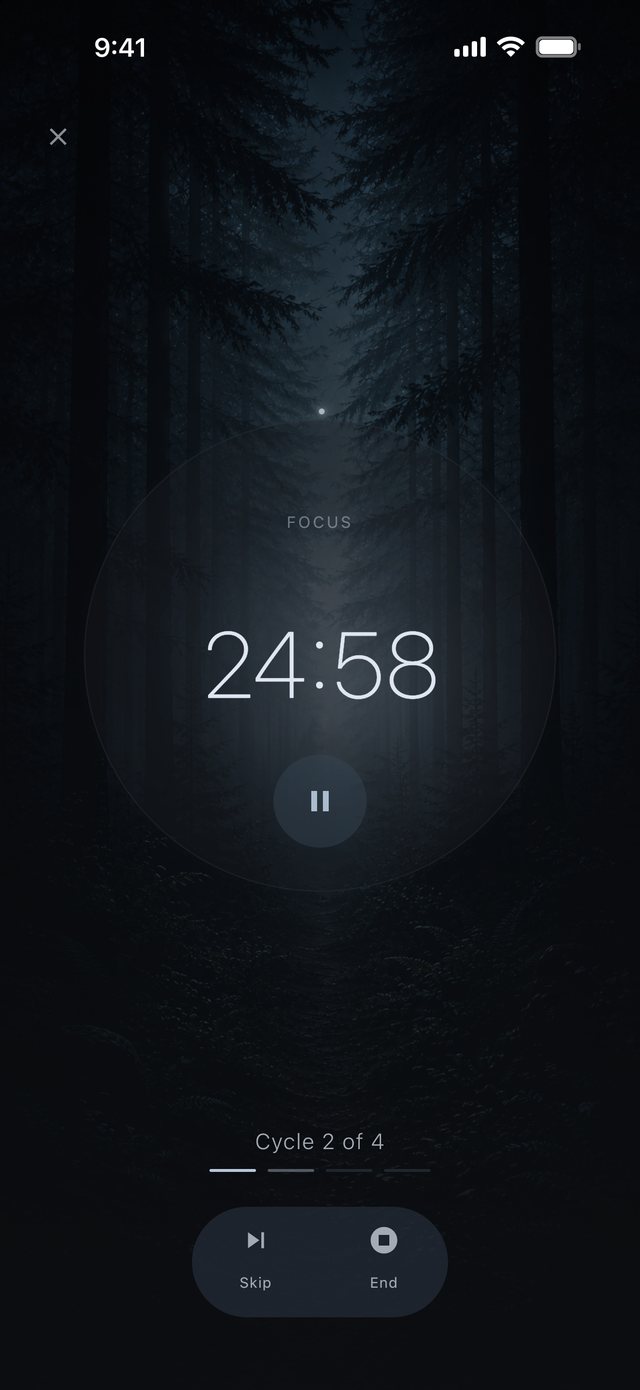
Focus
The screen dims to a breathing orb and a quiet timer.
- Your pace. Pause, skip or extend as you go.
- Strict mode. Ending early takes intention.
- On your Lock Screen. On iPhone, the timer follows you to the Lock Screen and the Dynamic Island.
A stream ahead on your left, night behind you, singing bowls off to the right. Stillplace plays each sound from the place you give it.
Press play, then drag any sound and hear it move. Best with headphones.
The room plays when JavaScript is on.
Set each sound near or far, ahead, beside or behind you. The angle is where you hear it from; the distance is how present it feels. Prefer sliders? The List tab has them too.
Drag the dot on the ring to turn your head. With tracking on, the room stays still around you.
With AirPods, a stream you put on your left stays exactly where you put it when you look away, the way a real stream would.
iPhone only Needs AirPods with motion sensors.
In your browser this demo uses a generic spatial approximation. On iPhone, the app uses Apple's spatial audio.
Stillplace is completely free and asks nothing back. Here is what we left out, on purpose.
Start a focus session and the sound you built keeps playing. The screen dims to a breathing orb and a quiet timer, and everything else waits.
The screen dims to a breathing orb and a quiet timer.
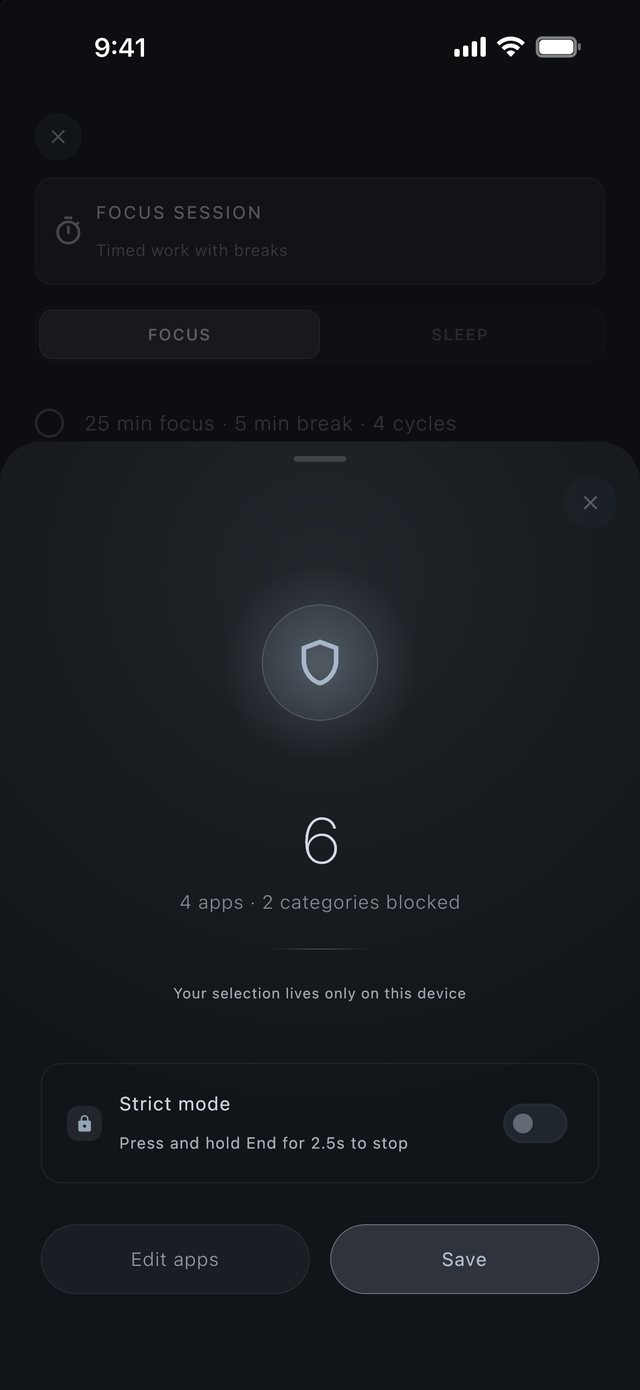
The apps that pull you away stay quiet until the session ends.
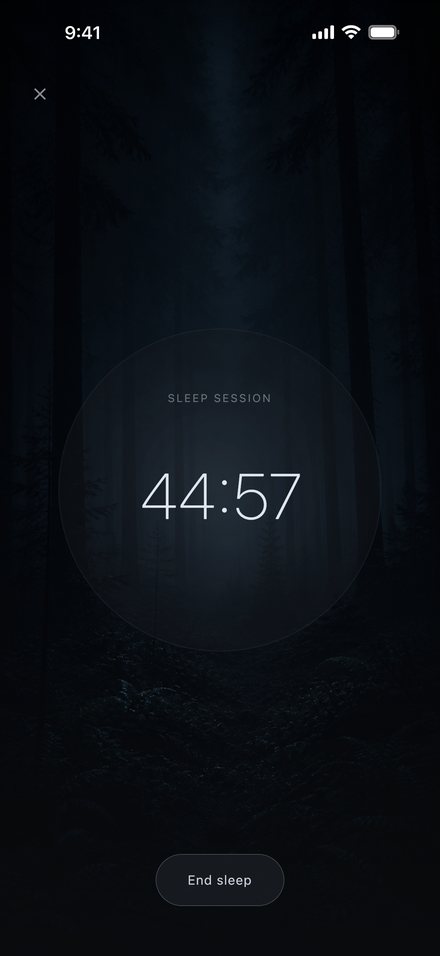
Start a sleep session and choose its length. The room grows quieter as the screen grows darker, until both are gone.
That was the hour. When a session ends, this is all the app says. Now build your own room: rain close, thunder far behind, fire at your feet.
The room, thirteen sounds, saved mixes, organic motion, focus and sleep sessions, strict mode. Android plays the room in stereo.
True spatial audio with headphones, AirPods head tracking, Protect Focus, and the timer on the Lock Screen and in the Dynamic Island.
Completely. No ads, no subscriptions, no in-app purchases, nothing locked.
iPhone with iOS 18 or later, and Android 9 or later. What each one gets is listed with the download links above.
No. With headphones on iPhone the room is true spatial audio, so direction and distance are audible. On the phone's speaker it folds down to stereo and every sound still plays.
There is no account and no sign-up. Basic usage analytics are on by default, and you can switch them off at any time in Settings. With Protect Focus, we never see which apps you choose. Feedback reaches us only if you send it. The privacy policy has the details.
Use the contact form, or send feedback from Settings in the app. For privacy requests, write to privacy@stillplace.app.

